Follow the LIUTRIX trading cycle: Target price steps, open position limits, Averaging, Reinvest and Auto Scale, with practical examples.
The LIUTRIX spot trading bot buys and sells through your connected exchange using the settings saved for each pair. Its core controls are Amount per trade, Target % and Open position limit. To understand this crypto automation, follow what those settings do during a rise, a decline and a recovery.
This guide describes the current spot product. Binance, Bybit, OKX, Gate.io and MEXC have exchange workspaces; use the exchanges and pairs available in your account. The Futures and AI research pages do not add live trading modes to this strategy.
Start with the exchange and pair settings
On the main service, open the exchange connection guide, prepare the required API credentials and add them through API settings. Trading funds remain in the exchange account. Paying for a LIUTRIX subscription does not put trading capital there.
Next, open Pairs and choose a market. Amount per trade is the base purchase amount in that pair's quote currency, such as USDT or USDC. Open position limit is the maximum simultaneous position count for that pair, including the first position. The trading agreement also concerns sell orders on coins in this pair; read it before saving.
Save the pair with trading enabled and check that exchange automation is enabled too. A saved credential or an enabled exchange alone does not configure every pair. Testnet uses its supplied test setup; live API-key entry is unavailable there.
Target governs spot orders in both directions
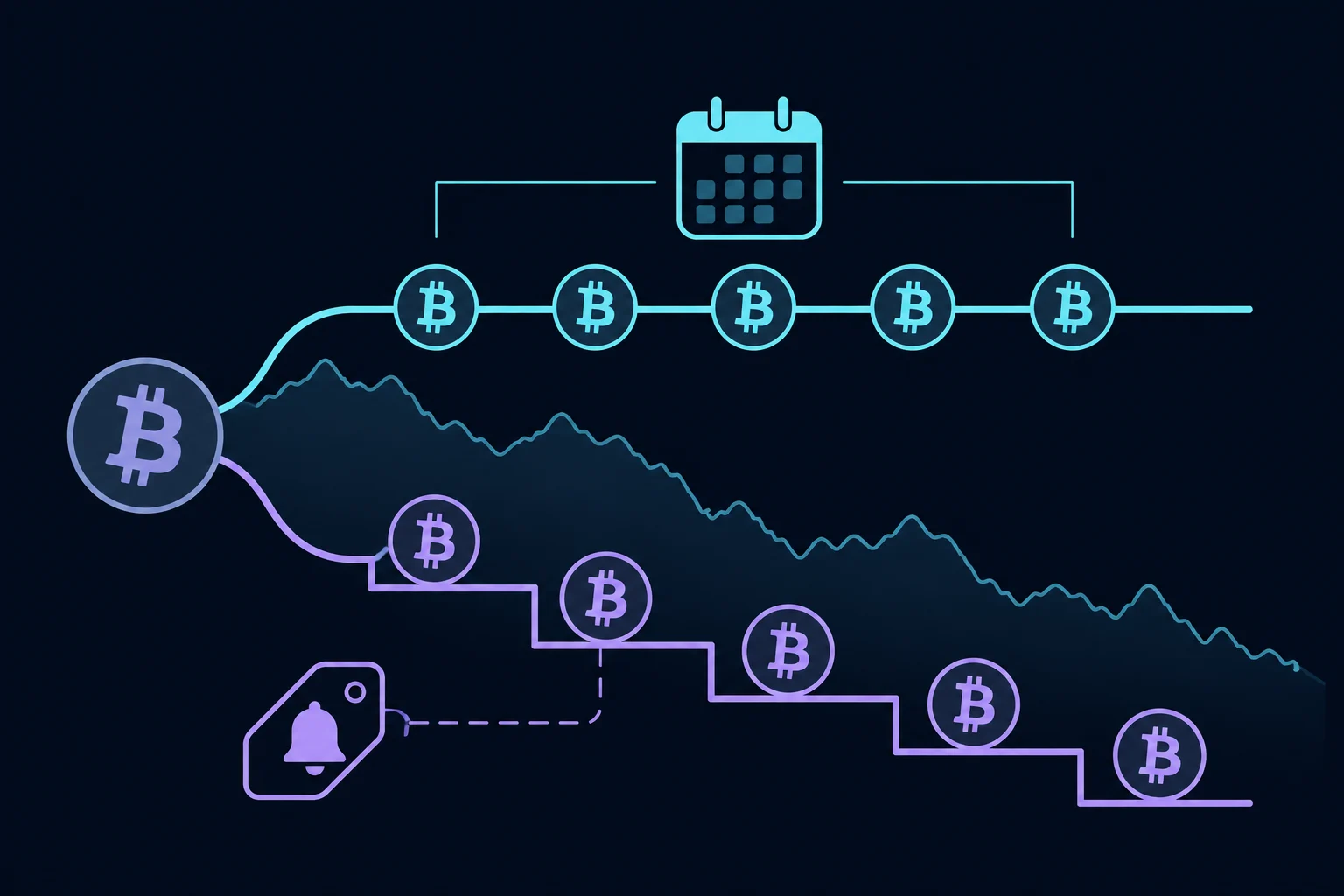
Target % is a price step, not a promised net return. With a hypothetical entry at 100 and Target at 3%, an ordinary target sale is at 103 before fees. During an uninterrupted rise, the strategy sells and opens a new position to continue the cycle. Auto Scale changes the exit behavior described below.
During a decline, the same Target spaces new positions. Starting at 100, successive 3% drops give purchase levels of 97 and 94.09. Each step uses the previous purchase level; these are not fixed three-unit gaps. The position limit caps the number of open positions.
During recovery after a decline, the bot closes the accumulated positions as each reaches its own sell target. It does not open new positions on that recovery leg merely because a slot becomes free. Exchange execution prices and fees can differ from these simplified levels.
Separate the three optional settings
- Averaging: when the pair reaches its open position limit, enabled automatic averaging recalculates the average entry and target sell price. Set Maximum averaging budget for further purchases. This field is a quote-currency amount, not a number of orders.
- Reinvest: adds part of closed-trade profit to later purchase amounts. Saved for reinvestment is an accumulated currency amount, not an editable reinvestment percentage.
- Auto Scale: after Target is reached, follows a subsequent price high and uses the chosen pullback from that high as the exit condition.
Averaging and Reinvest require Premium in the current pair form. For Auto Scale, the pullback must be at least two percentage points below Target: Target 5% permits at most a 3% pullback. This is a settings constraint, not a guaranteed selling price.
Know what the limits leave exposed
With Amount 20 USDT and a limit of three, the base position allocation is 60 USDT before additional averaging, reinvestment and costs. Reaching the position limit stops additional positions; enabled Averaging can still require more funds. A limit of zero prevents new positions and does not itself sell existing holdings.
These trading bot risks remain: coins can lose value, capital can stay committed while exits are unmet, and exchange or connection failures can delay an action. Disabling trading and selling an asset are separate decisions. Deleting a LIUTRIX position record does not sell its coins.
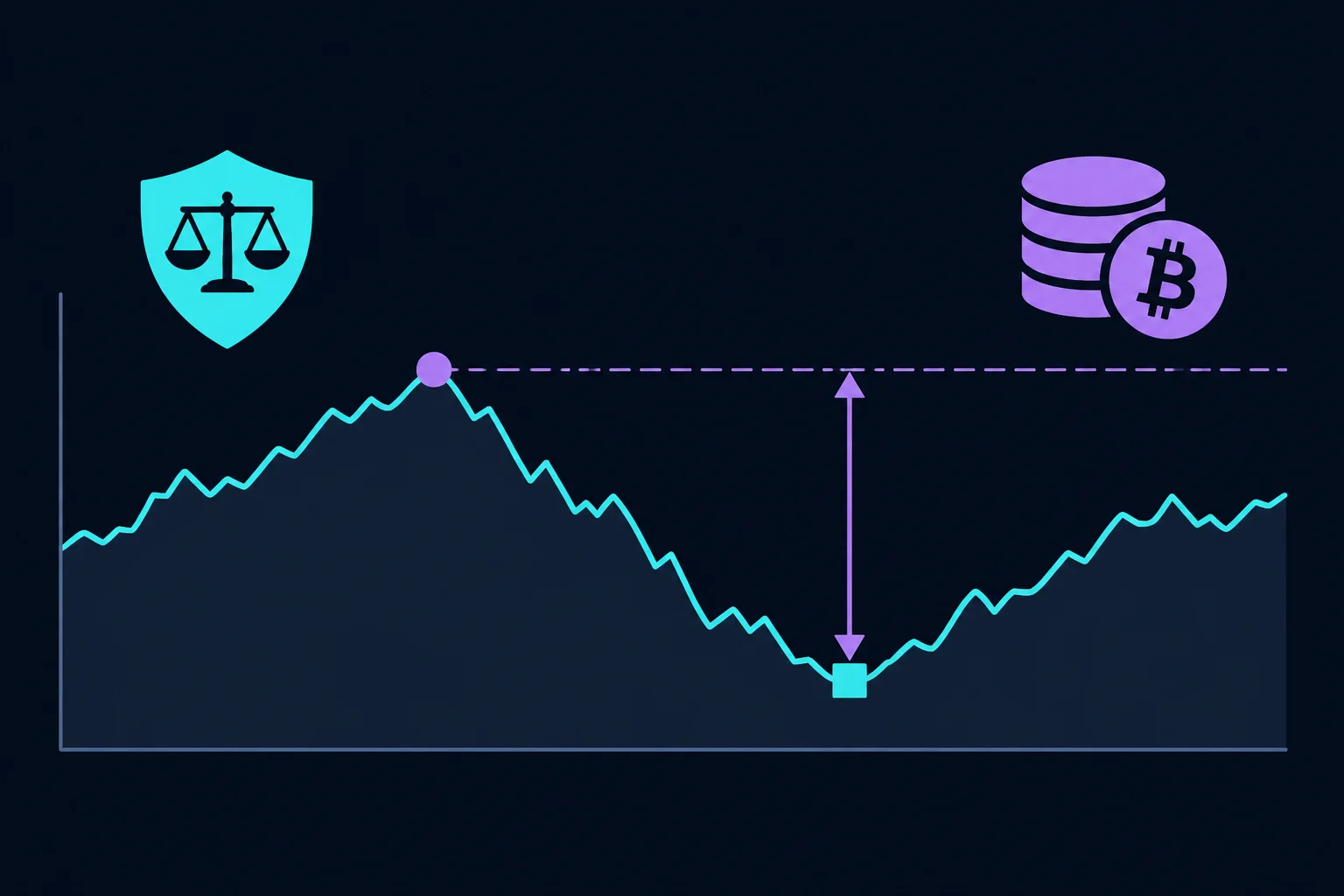
The CFTC bot advisory recommends considering underlying-asset risks and fees, spreads and subscription costs. Apply those questions to the whole account, including unsold holdings.
Check results in the right place
Use the pair's Active trades page for its positions, the exchange's Active orders and Closed trades pages for exchange-wide records, and Analytics for filtered income reports. An active bot position is not necessarily an unfilled order resting on the exchange. Reconcile actual orders and fills with the exchange when investigating an execution.
Before enabling a pair, explain its next falling-price purchase, position limit, averaging allowance and exit rule in your own words. Then compare the saved settings with that plan. A historical calculator result is useful context, but it does not place trades or prove that the live account will achieve the same result.
Frequently asked questions
Does Target 3% mean I earn 3% on my account?
No. Target sets the strategy's upward selling step and downward purchase spacing. Fees, open positions and the amount committed affect the account result.
Why does a free position slot not always produce a purchase?
During recovery, LIUTRIX closes the positions accumulated in the decline without opening new ones on that recovery leg. A free slot alone is not a purchase trigger.
Does reducing the position limit close existing trades?
No. The limit controls new positions. Existing holdings require their own exit or an explicit supported position action.
Sources and editorial notes
Prepared with AI assistance and editorially checked against current LIUTRIX settings, calculation definitions and the listed external sources on 20 November 2026. Examples are hypothetical. This is not an independent financial review, a live execution test or personal investment advice.
Reviewed: 2026-11-20.
- CFTC: Customer advisory on trading bots (accessed 2026-11-20).