Check LIUTRIX exchange automation, pair status, Target, position limits, funding, API access and positions needing attention before changing settings.
Is your LIUTRIX trading bot not trading when you expect it to? Start by identifying the action: a first purchase, another position during a decline, a target sale or an Auto Scale exit. Each has different prerequisites. A quiet pair is not enough evidence that the connection has failed.
For useful bot troubleshooting, record the exchange, pair, time, saved settings and observed position state. Keep those values unchanged while you check the original expectation, so a later settings change does not obscure what happened.
Check both exchange automation and the saved pair
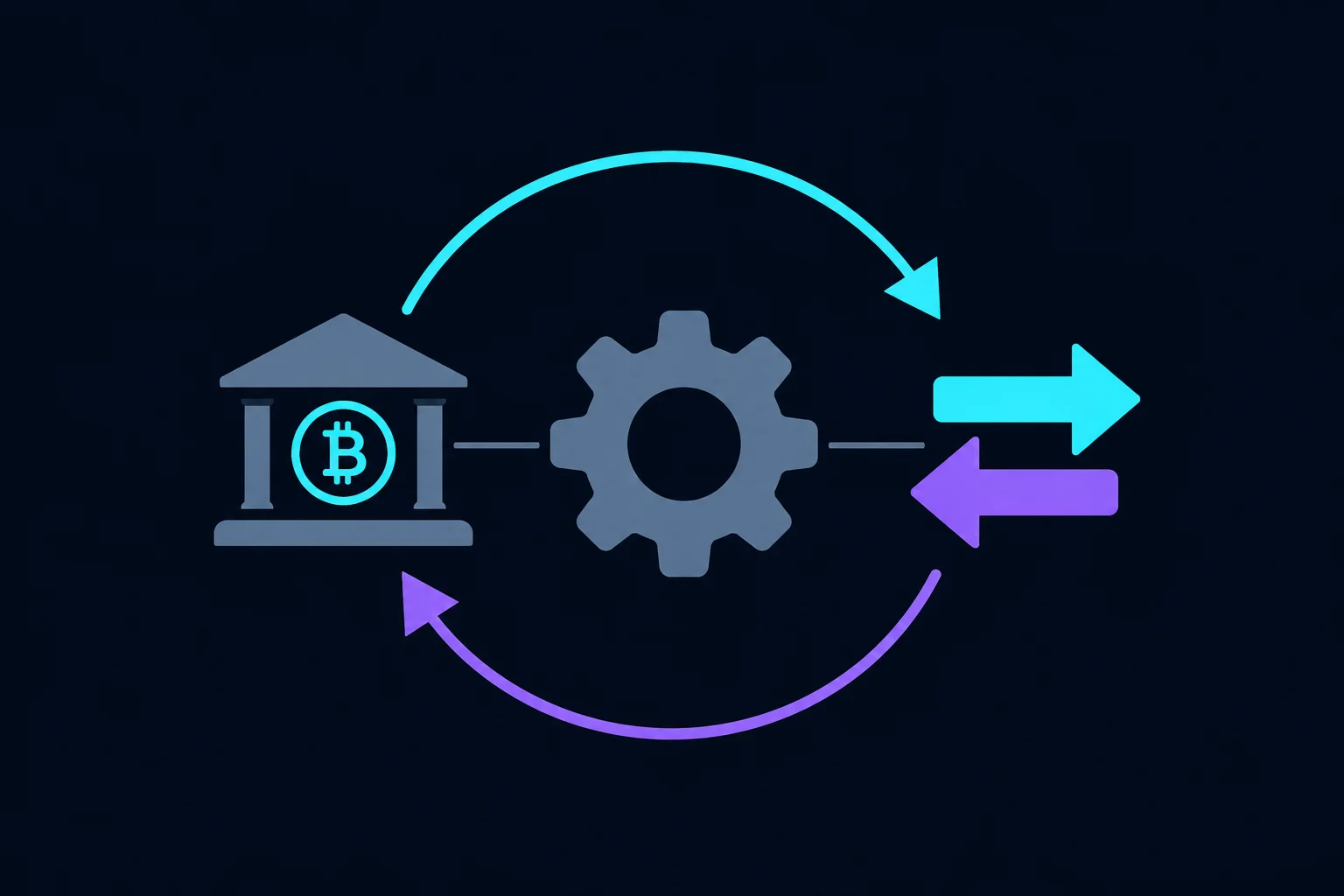
Open the connected exchange overview and check its automation state. Then open Pairs, find the exact symbol and inspect Settings. Exchange automation and pair trading are separate controls; both matter. Selecting Enable trading without saving the form is not a persisted change.
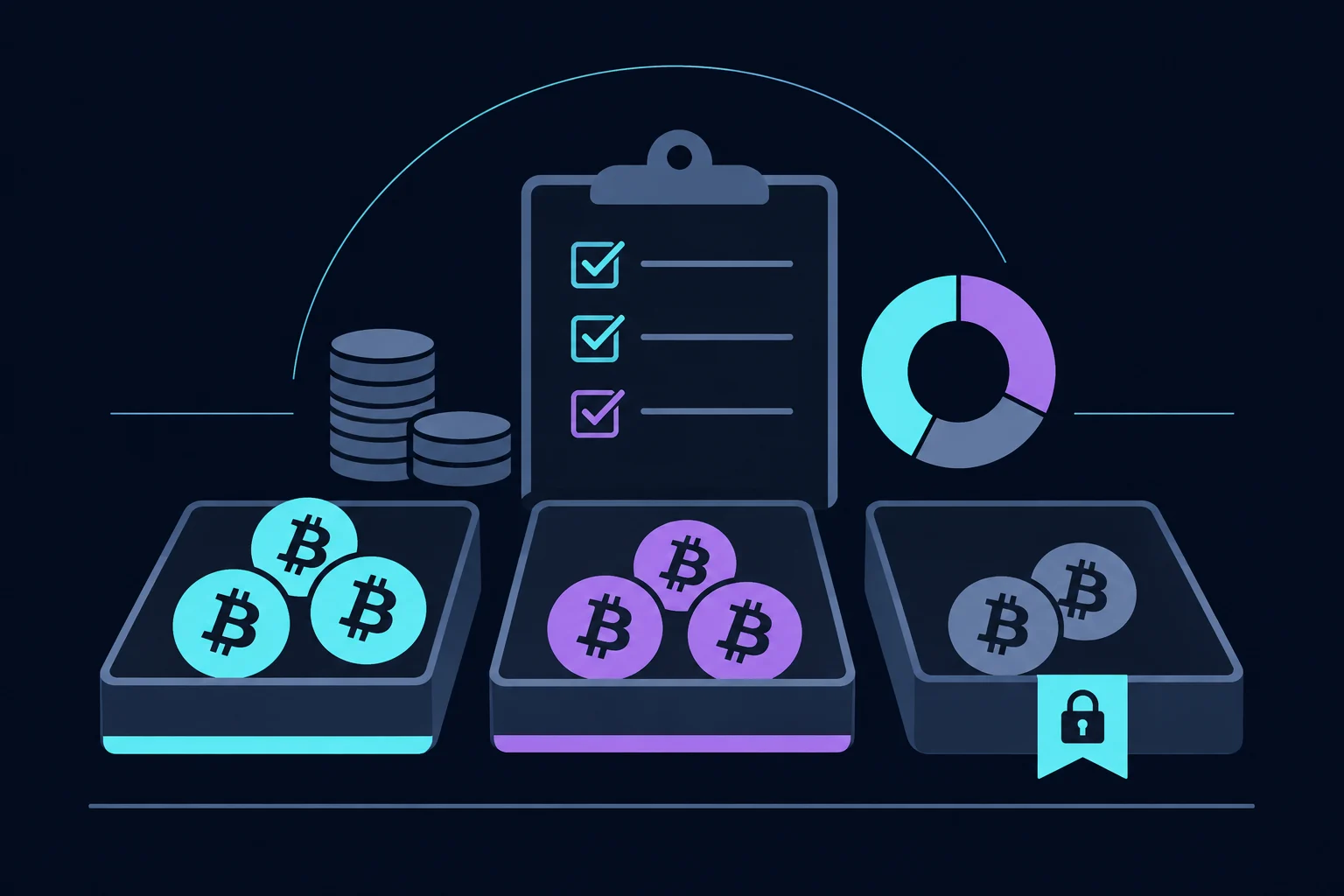
Confirm Amount per trade, Target and Open position limit, plus Averaging, Reinvest and Auto Scale if used. A limit of zero prevents new positions. A full limit prevents further positions, although enabled Averaging has its own behavior and funding requirements.
Resolve visible account, plan or pair-availability restrictions. Averaging and Reinvest require Premium in the current form, and Target has a plan-dependent minimum. Do not assume that a setting from another account or an old screenshot is available in yours.
Check whether the strategy should act at this price
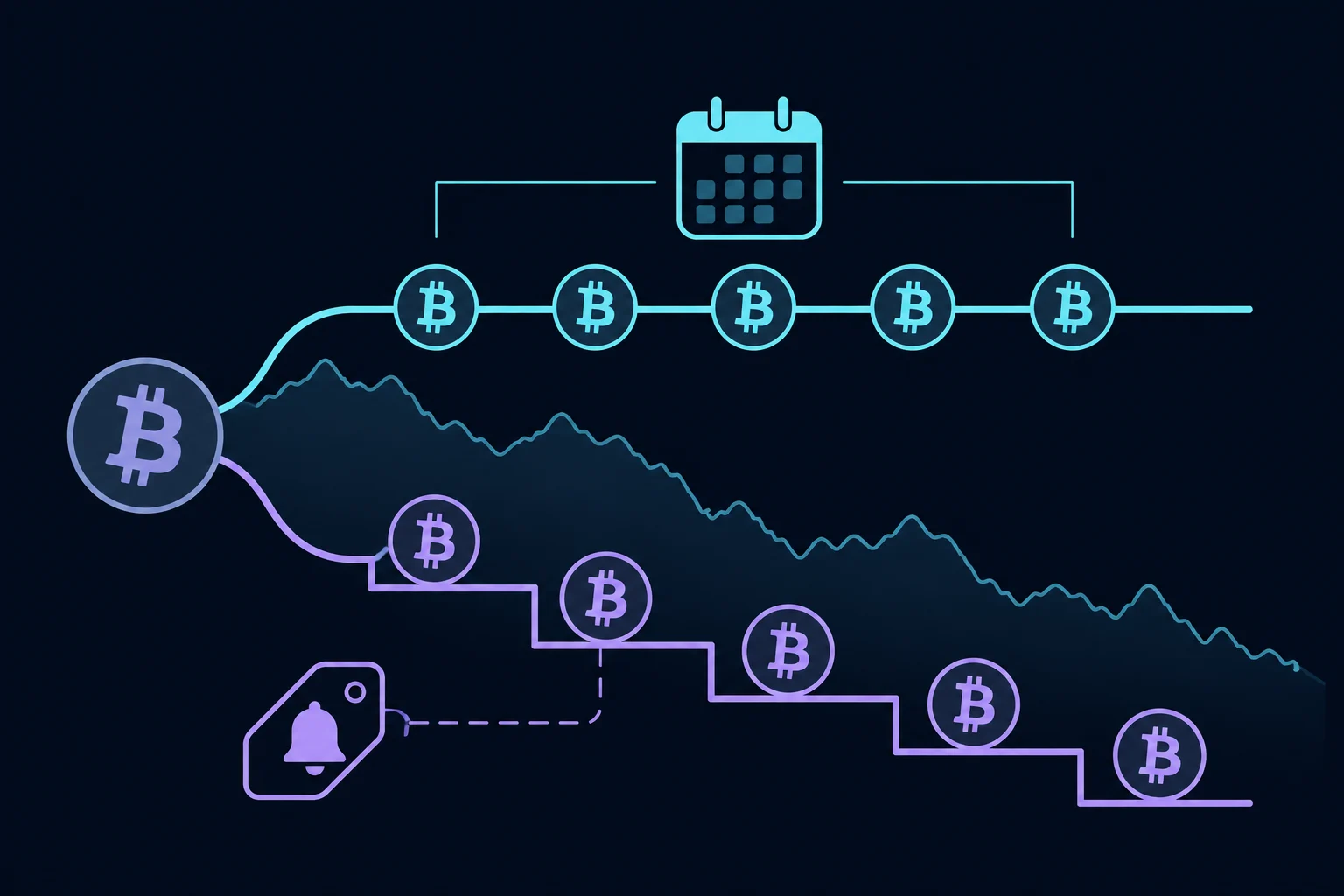
Target spaces new positions during a decline. With a hypothetical entry at 100 and Target 3%, the next falling-price levels are 97 and 94.09. A small move that has not reached the next step is not a missing purchase.
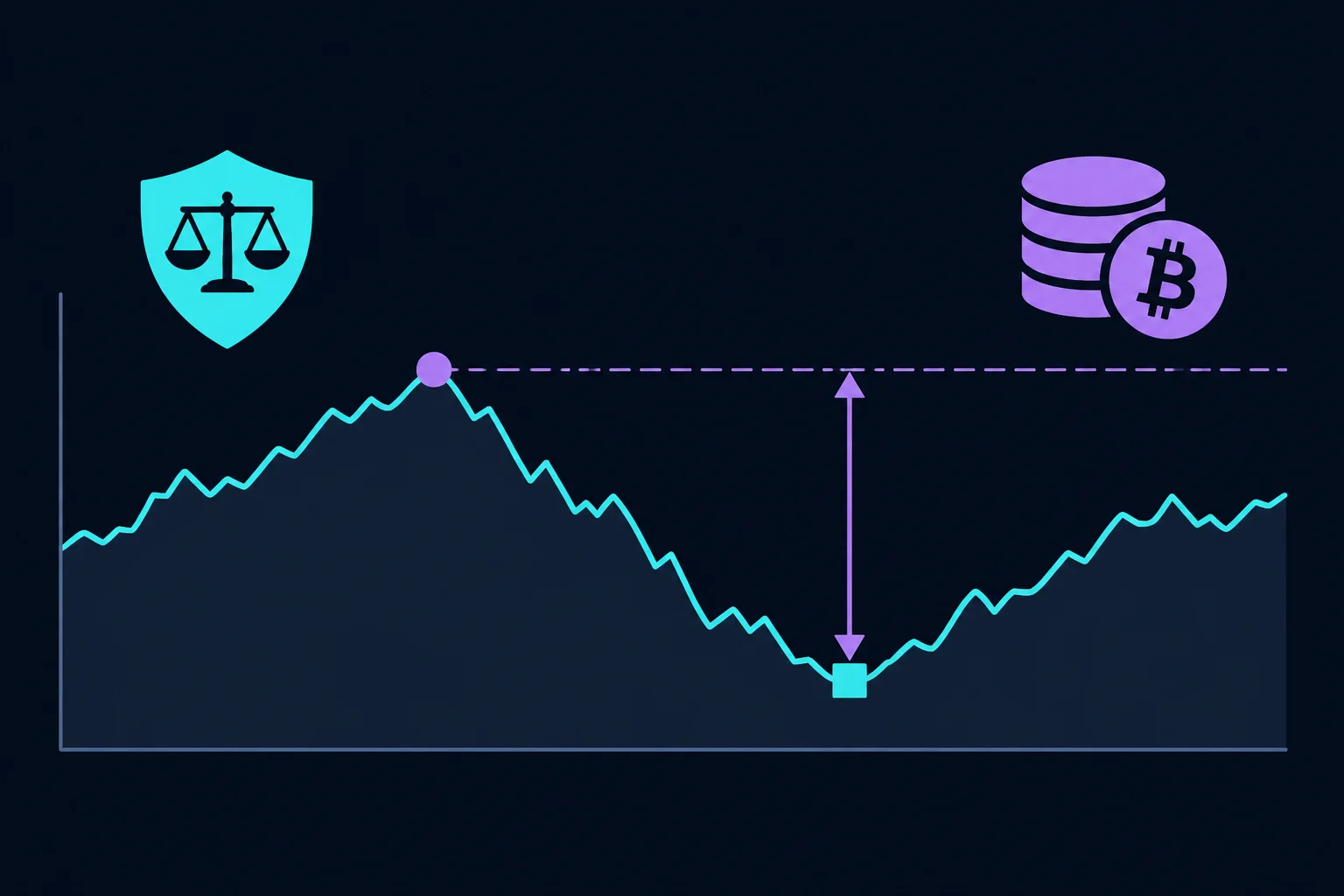
During recovery, LIUTRIX closes previously accumulated positions at their own targets without opening new ones on that recovery leg. A closed trade frees a slot but does not, by itself, trigger a replacement purchase. This differs from the continuing buy/sell cycle during an uninterrupted rise.
For a delayed sale, check Auto Scale. With it enabled, reaching Target can start tracking a higher price rather than immediately completing the exit. The chosen pullback is measured from the subsequent high. Averaging can also change the position's entry and target, so compare the current position details rather than its original level.
Check funding and rejected orders separately
Compare the available quote currency with the required purchase. USDT funds do not automatically cover a USDC pair, and coins already held are not unspent quote currency. Check the exchange Trading budget as well as the actual balance; zero means no cap in that budget control.
If averaging is involved, inspect Maximum averaging budget. If Reinvest is enabled, later purchase amounts can exceed the base Amount. Other pairs can use the same exchange-currency balance, so looking at one pair alone can miss the funding constraint.
Binance documents distinct quantity and order-value filters. A hypothetical quantity of 0.11 at price 90 is worth 9.90; it can fail a 10-unit minimum even with 100 available. Those numbers are illustrative. Read the actual rejection before treating every failed order as insufficient funds.
Look for positions needing attention
Open the exchange's Active orders page and its Manual solution required view. Stopped positions retain a message that can explain why they need attention. The pair's Active trades page shows the same type of position details for one symbol.
A pending sale is shown as Selling and is not a reason to send another sale immediately. Compare the exchange's order history and fills before retrying an action whose outcome is uncertain. An active LIUTRIX position is not necessarily an unfilled exchange order.
Use Reset only after understanding and resolving the stopped position's issue. Delete removes the LIUTRIX record; it does not sell the coins. Sell is a separate financial action whose execution can differ from the displayed quote. None of these controls should be used just to make an unexplained row disappear.
Investigate API connection errors with the exact guide
On the main service, open API settings for the affected exchange. Check the credential, required reading/trading access and the currently assigned bot IP against the exchange allowlist. OKX also needs the API passphrase associated with that key.
Do not enable withdrawal permission to solve a failed spot order. If existing credentials need replacement, complete the required email confirmation when the current editing window has expired. Testnet has supplied test connections and does not accept live key entry.
Before contacting Support, collect the exchange, pair, expected action, time, redacted message and relevant order identifiers. Never include API secrets, passphrases, login codes or personal account payloads. Explain which settings, position states and exchange records you already checked.
Resume or change the setup only when the cause is understood. Waiting for a price condition, a full position limit and an exchange rejection are different outcomes; forcing a trade is not a reliable way to diagnose any of them.
Frequently asked questions
Why is there no new buy after a position closes?
During recovery after a decline, LIUTRIX closes accumulated positions without opening new ones on that recovery leg. A free slot alone is not a buy signal.
Why was Target reached without an immediate sale?
Auto Scale can keep the position open after Target and wait for the selected pullback from a subsequent high. Also check the current target after averaging and the actual exchange order state.
Should I delete a stopped position to fix it?
Deleting its record does not sell the coins or resolve the underlying exchange problem. Read the message, reconcile holdings and use the appropriate supported action only after understanding its effect.
Sources and editorial notes
Prepared with AI assistance and editorially checked against current LIUTRIX settings, calculation definitions and the listed external sources on 20 November 2026. Examples are hypothetical. This is not an independent financial review, a live execution test or personal investment advice.
Reviewed: 2026-11-20.
- Binance Spot API: Filters (accessed 2026-11-20).